

Join in a minute, play right away

Bonus terms & conditions apply.
Luckyme Casino Mobile App: iOS, Android and Browser Access
The Luckyme Casino mobile app gives you a dedicated way to access your account on iOS and Android. Search for LuckyMeSlots in your app store, or use the browser shortcut if you prefer not to install an app.
The Luckyme Casino App
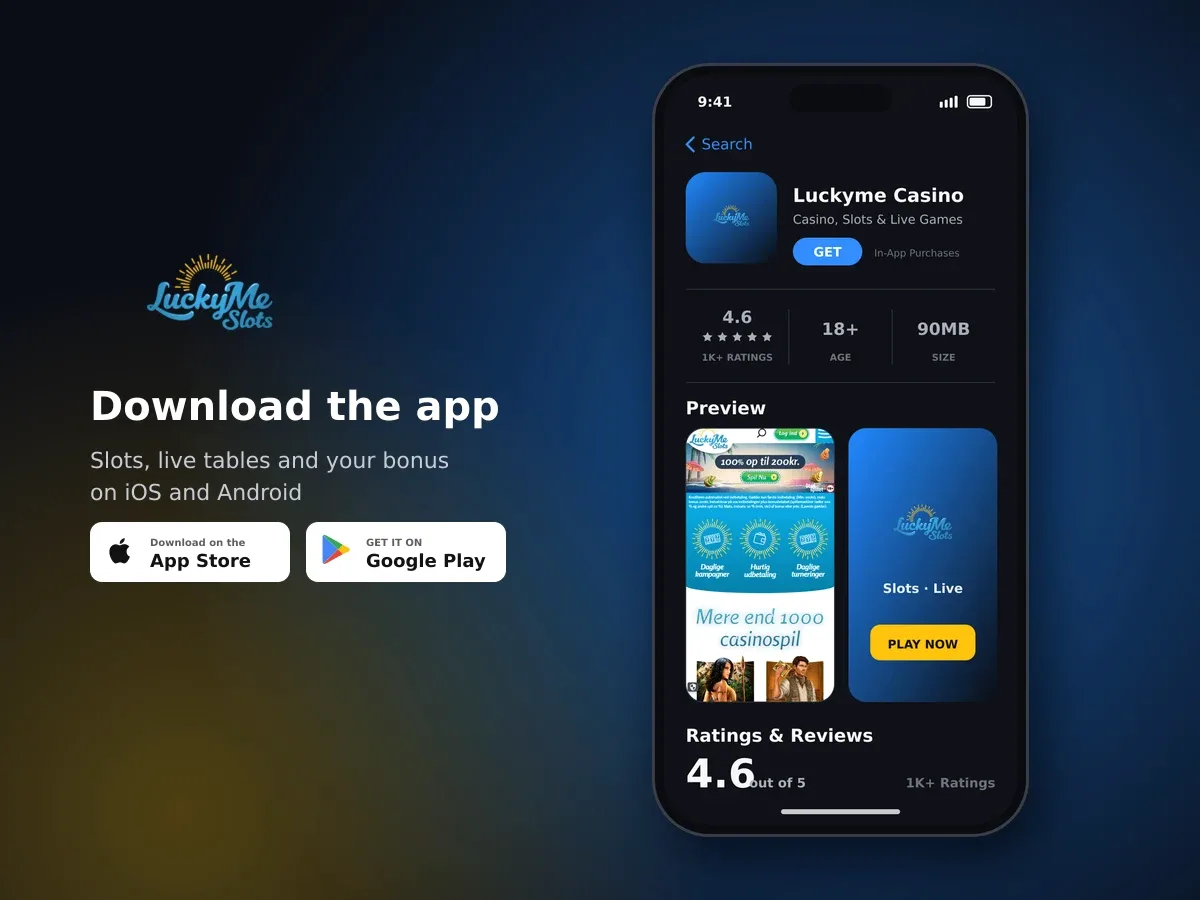
Luckyme Casino
- 4.6 1K+ ratings
- 90MBSize
- 18+Age
- 30K+Downloads
Where to find the Luckyme Casino mobile app
We provide native mobile apps through the Google Play Store and Apple App Store. The app listing is found by searching for LuckyMeSlots, so use that exact term rather than searching for a longer description.

Spin today, win today
The app is available depending on the country where you play. If the app route is available to you, the relevant store is the simplest way to find it. You can also use a browser-based home-screen shortcut, giving you another way to open Luckyme Casino from a mobile device.
| Route | Where to look | Search or action |
|---|---|---|
| iOS app | Apple App Store | Search for LuckyMeSlots |
| Android app | Google Play Store | Search for LuckyMeSlots |
| Browser shortcut | Your mobile browser | Add LuckyMe Slots to the home screen |
How to install the app on iOS or Android
Installing the Luckyme Casino mobile app starts with the store made for your device. The process is straightforward: find the correct listing, use the store's installation option and then open the app from your device.
- Choose your app store
Use the Apple App Store on an iOS device or the Google Play Store on an Android device.
- Search for LuckyMeSlots
Enter LuckyMeSlots as the search term. This is the name provided for finding the Luckyme Casino apps.
- Select the available listing
Look for the relevant LuckyMeSlots app in the store results. App availability depends on the country where your account is used.
- Install the app
Use the installation control provided by your app store and wait for the app to be added to your device.
- Open your mobile route
Once installation is complete, open the app from your device and use it as your dedicated way to access Luckyme Casino.
Use the exact search term
Search for LuckyMeSlots in the Google Play Store or Apple App Store. The exact term makes the app easier to find.
You do not need to commit to one mobile route for every visit. The native app is available through the two main mobile app stores, while the browser shortcut gives you a direct icon-based route without using an app-store installation.
Add LuckyMe Slots to your home screen from a browser
If you prefer browser access, we provide an option to add LuckyMe Slots to your home screen. This creates a web app shortcut, so you can open your mobile route from the same place as your other shortcuts.
- Open a mobile browser
Use the browser on your mobile device to open Luckyme Casino.
- Choose the home-screen option
Select the option labelled "Add LuckyMe Slots to the home screen".
- Confirm the shortcut
Follow the browser's prompt to add the shortcut to your home screen.
- Open it when you want mobile access
Tap the new shortcut whenever you want to return to LuckyMe Slots through your browser.
This option suits you if you want a quick mobile entry point but would rather use a browser. It also gives you a second route to keep in mind if the native app is not available for your country.
Two ways to keep mobile access close
Choose the native app through the Apple App Store or Google Play Store, or add LuckyMe Slots to your home screen as a browser shortcut.
Which mobile route should you choose?
The native app and the browser shortcut give you two different ways to organise mobile access. The app is found through your device's app store. The shortcut is created directly from a mobile browser.
| If you prefer | Choose | First step |
|---|---|---|
| A dedicated app | The native iOS or Android app | Open the relevant app store |
| A browser-based option | The home-screen shortcut | Open Luckyme Casino in your mobile browser |
| A simple app-store search | The store listing | Search for LuckyMeSlots |
The browser shortcut can be useful when you want to avoid adding another installed app. The native route can be more convenient when you prefer to open Luckyme Casino from an app icon. Both options are documented mobile access routes, with app availability depending on your country.
- Use the Apple App Store for iOS devices.
- Use the Google Play Store for Android devices.
- Search for LuckyMeSlots when looking for the native app.
- Use "Add LuckyMe Slots to the home screen" for browser access.
- Choose the route that fits how you prefer to open the service.
Set up your preferred mobile route
Search for LuckyMeSlots in your app store, or open Luckyme Casino in a mobile browser and add LuckyMe Slots to your home screen.
Mobile security and tools for keeping play in control
Mobile access uses the same security approach as the rest of your account activity. All transactions use 128-bit SSL encryption. Your personal data is kept confidential and is not passed to third parties.
Luckyme Casino is for players aged 18 and over. Proof of age can be requested during the life of an account, so keep this requirement in mind when using mobile access.
Responsible gambling tools are available for your account. They are designed to help you set boundaries, take a break or close your account when that is the right choice for you.
- Daily deposit limits
- Time checks and alerts
- Restricted account access for set periods
- Player restrictions
- Self-exclusion
- Full account closure
Use Spiltjek to understand your activity
The Spiltjek, or Game Check, tool records money spent, wins and losses, and time played over the previous six months. It also provides activity graphs covering the last four weeks, a staking breakdown by game type, a self-assessment test and personalised alerts.
The tool can show risk scores based on factors such as total stakes, deposits, withdrawals, session length and the times of day you play. These details can help you look at your habits and decide whether a limit, restriction or break would be useful.
Keep the 18+ rule in mind
Gambling is for adults aged 18 and over. Set limits that fit your circumstances and use the available account controls if play stops feeling manageable.
Help with your mobile access
Customer support is available 24 hours a day, seven days a week. Live chat support is available in English, and telephone support is also offered.
If you need help with an account issue while using mobile access, customer support is the place to raise it. All telephone calls to customer support are recorded.
| Support route | Availability | Language or note |
|---|---|---|
| Live chat | 24 hours a day, 7 days a week | English available |
| Telephone | 24 hours a day, 7 days a week | Calls are recorded |
| Customer Support Department | Available for account issues | Use for help with your account |
Before contacting support about the app, make a note of whether you are using the Apple App Store, Google Play Store or the browser shortcut. Also keep the exact search term, LuckyMeSlots, in mind so the support team knows which mobile route you are trying to use.
- Decide whether you want the native app or the browser shortcut.
- For the native route, open the app store that matches your device.
- Search for LuckyMeSlots.
- For browser access, open Luckyme Casino and choose "Add LuckyMe Slots to the home screen".
- Keep the responsible gambling tools in mind while using mobile access.
With these steps, you can choose the mobile route that suits you and keep the relevant support and account-control options close at hand.
Mobile App: questions and answers
Is there a Luckyme Casino mobile app?
Yes. Native apps are available through the Google Play Store and Apple App Store, depending on availability in your country.
What should I search for in the app store?
Search for LuckyMeSlots. This is the search term provided for finding the Luckyme Casino mobile apps.
Can I use Luckyme Casino without installing an app?
Yes. Open Luckyme Casino in a mobile browser and choose "Add LuckyMe Slots to the home screen" to create a browser shortcut.
Is the mobile app available on iPhone and Android?
The mobile apps are available through the Apple App Store and Google Play Store. Availability depends on the country where you play.
Are mobile transactions encrypted?
All transactions use 128-bit SSL encryption. Personal data is kept confidential and is not passed to third parties.
What responsible gambling tools can I use?
Available tools include daily deposit limits, time alerts, account access restrictions, player restrictions, self-exclusion and account closure. Spiltjek also tracks spending, wins and losses, and time played.
Can I get help with mobile access?
Yes. Customer support is available 24/7 through English live chat and telephone support. Telephone calls are recorded.